
How can we help?
Contact Support
If you need help using Sgript, have a question about your account, or something isn't working as expected, our team is here to help.
When you get in touch, please include your organisation name, a short description of the issue, and any steps that help us reproduce it. Please do not include personal or case data in your message.
Email: info@sgript.ai
Telephone: 02921 051 010
Telephone: 02921 051 010
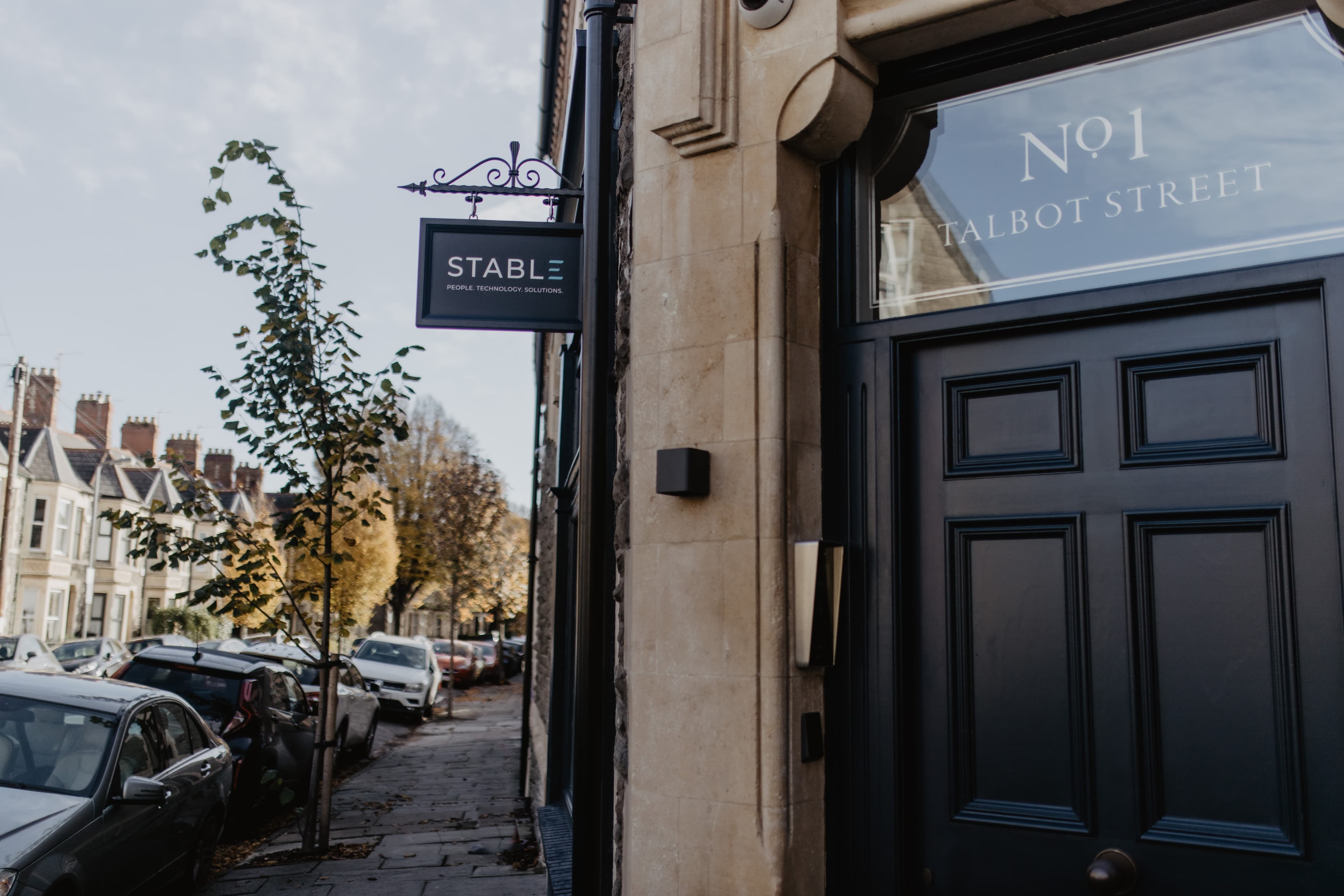
Stable Studios
1 Talbot Street
Pontcanna
Cardiff
Wales
CF11 9BW
1 Talbot Street
Pontcanna
Cardiff
Wales
CF11 9BW
Frequently asked questions
Select Login at the top of any page and sign in with the account provided by your organisation. If you cannot sign in, contact your organisation's Sgript administrator or our support team.
Sgript uses your organisation's sign-in. Please contact your organisation's IT team or Sgript administrator to reset your password or unlock your account.
Sgript supports uploading existing audio and video recordings as well as capturing conversations live. If a file will not upload, check that it plays correctly on your device and contact us with the file type and size.
Accuracy depends on audio quality, background noise and speaker clarity. Record in a quiet space, keep the microphone close to speakers, and avoid people talking over each other. Transcripts can always be reviewed and edited before you finalise any documentation.
Yes. Templates are configured for your organisation so that outputs match your documentation standards. Speak to your Sgript administrator, or contact us if you need help creating or updating a template.
Sgript is designed for regulated environments. For details of how we handle personal data, see our Privacy Policy or contact dataprotection@stable.co.uk.